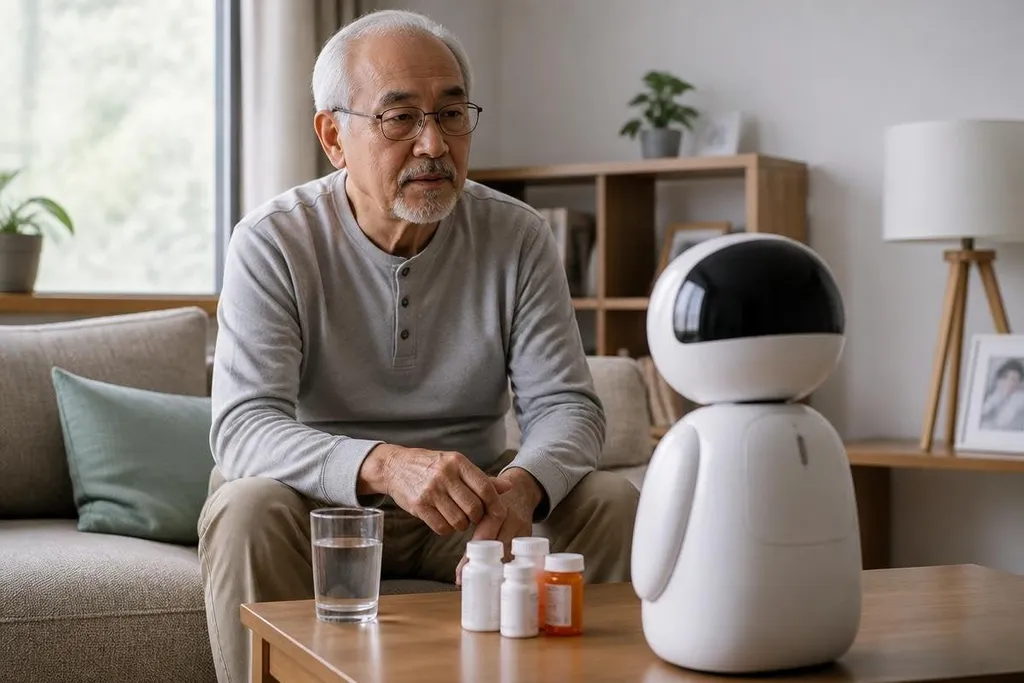
Elder care robots can remind someone to take medicine, connect them with family, or call for help after a fall. They can also add privacy, safety, and cost concerns that a family should discuss before buying one.
- Reminders and video calls can support daily routines.
- A robot may notice a problem, but it may not understand the cause.
- Human care remains necessary for judgment, comfort, and urgent decisions.
Where these robots can help
The most useful elder care robots handle repeat tasks. These systems can give spoken reminders, answer simple questions, guide a person through a routine, or connect them to a carer by video. These jobs matter when a family member cannot be present all day.
Some systems can also watch for movement, changes in room activity, or a person calling for help. That information may help a carer spot a missed meal, a long period without movement, or a request for assistance. The robot still needs a clear response plan, because noticing an event is different from fixing it.
Physical help is another area, though the limits vary by machine. A mobile robot may carry a small object, fetch something from a known place, or help a person keep contact with a remote carer. Lifting or steadying a person faces much higher safety demands than carrying a phone.
The useful question is narrow: which task needs help, and can a robot do that task without adding work for the person using it?
The risks at home
Listening systems may collect voice recordings or other personal data. A camera-based system may also reveal daily routines, visitors, medication use, or periods when someone is alone.
Families should ask where data is stored, who can view it, how long it remains available, and what happens if the internet connection fails.
Safety needs the same level of care. Mobile systems can block a hallway, move near a walker, lose power, or misread a spoken instruction. A mobile model needs a clear path, regular charging, and a way to stop it. A person with poor hearing, memory loss, or limited movement may need a simpler control method than the sales material suggests.
There is also a human risk. Families may treat a robot as a substitute for visits, paid carers, or medical advice. A reminder can support a routine, but it cannot judge why a dose was missed. A video call can reduce isolation for a moment, but it cannot replace physical care when someone is frightened, hurt, or confused.
A family comparing elder care robots can read Robot 24 alongside the maker's manual and care plan. That keeps the purchase tied to the task, human role, price, and test setting before the practical checks begin.
What to check before buying
Price is only part of the decision. Ask about subscriptions, repairs, replacement batteries, internet needs, training, and who will respond when an alert arrives. A low purchase price can become harder to manage if the system needs a paid service or frequent family support.
The person using the robot should take part in the choice. A device that feels intrusive may be switched off. A device with too many steps may sit unused. Let the user try the main task, hear the alerts, and see how the robot behaves when the network or power is unavailable.
The strongest opposing view is that a robot can make an older person feel watched instead of cared for. That concern is valid, so consent and control should come before convenience. I'd skip any system that hides its data rules or makes it hard to stop recording.
A practical buying checklist
Before agreeing to a trial, check these points:
- Name one task: write down the exact job the robot must do each day.
- Test the alert: confirm who receives it and how they respond.
- Check the data: ask about recordings, storage, access, and deletion.
- Plan failures: test a power cut, lost connection, empty battery, and blocked route.
- Set human cover: name the person who handles medical or urgent needs.
- Review after use: ask the older person what feels useful, tiring, or intrusive.
A short trial is safer than a large commitment. Keep the robot only if it completes its task, fits the home, and leaves the person with more control over daily life. The next decision is not whether elder care robots are good or bad; it is whether this machine earns a place in one specific home.